
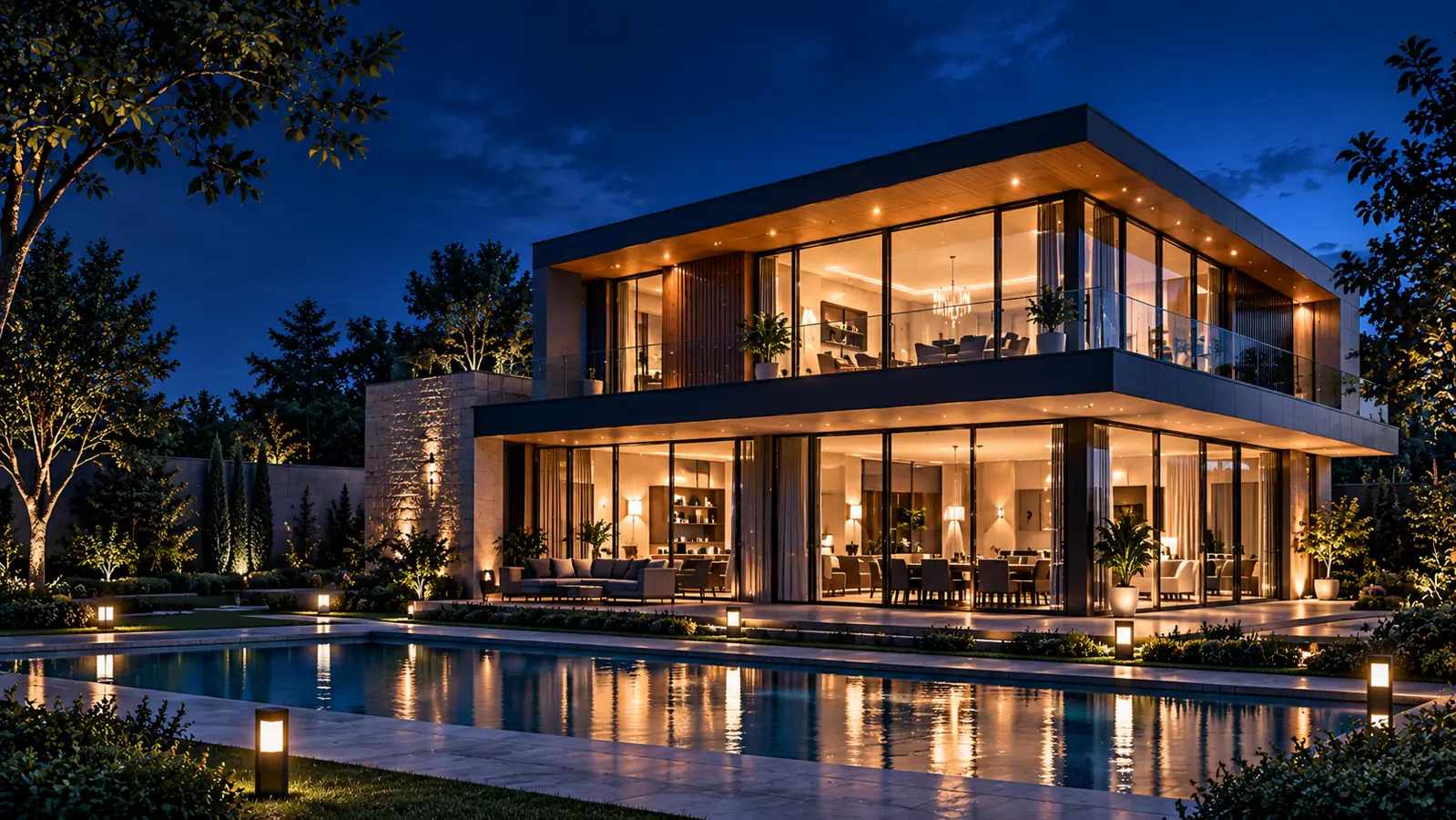
The term “smart home” is everywhere, but what does it mean technically? In simple words, a smart home connects its electrical and electronic equipment (lighting, curtains, climate, security and more) through a network so that they act together, either on user command or according to predefined scenes.
The goal is not to be “smart” for its own sake. The goal is more comfort, better safety and more efficient energy use. If a smart feature adds nothing to your daily routine, you probably do not need it.
The four layers of a smart home system
- Sensors and inputs: switches and touch panels, motion, temperature and humidity sensors, door and window contacts, smoke and gas detectors.
- Actuators: relays and dimmers for lighting, curtain motors, valves, thermostats and anything else that must receive commands.
- Controller or hub: the brain that reads inputs, runs scenes and talks to the other components.
- Software and user interface: a mobile app, wall panel or voice control that shapes the user experience.
Common communication protocols
Smart devices need a shared language. The most common options are:
- Wi-Fi: easy to install and needs no hub, but network load and device power use grow as the device count increases.
- Zigbee and Z-Wave: low-power mesh networks built for automation, usually controlled through a hub and well suited to many control points.
- Bluetooth LE: good for initial setup and nearby control, with limited range.
- Wired (such as KNX or RS-485): the most dependable choice for buildings under construction and larger projects, but it must be designed in from the cabling stage.
- Matter: a standard from the Connectivity Standards Alliance aimed at cross-brand compatibility, running over IP (Wi-Fi, Thread and Ethernet).
Wired or wireless?
It depends on the building and the project stage. In a building under construction, a wired or hybrid design with proper panel layout and cabling is usually more stable and easier to expand. In an existing building where new cabling is impractical, wireless switches and behind-the-switch modules are the more realistic solution.
How to set up a smart home the right way
- Define needs and scenes: what should be automated? (for example, a “good night” scene that turns off lights, closes curtains and arms the alarm)
- Choose the architecture: wired, wireless or hybrid, and decide on the central controller.
- Design the panel and cabling: including point layout, load capacity and room for future expansion.
- Install and configure: connect devices, define scenes and set up users.
- Test and train: verify every state, including power and internet outages, and train the occupants.
- Support and update: software and systems need ongoing maintenance.
Common mistakes when going smart
- Buying scattered devices from incompatible ecosystems that cannot be integrated later.
- Ignoring infrastructure: weak Wi-Fi, no neutral wire behind switches or insufficient panel capacity.
- Having no defined scenes, so devices are installed but rarely used.
- Neglecting security: default passwords, no updates and access without authentication.
Summary
A smart home is not a “product”; it is a “system”, and the quality of the result depends on good planning before you buy. To explore your options, read about Ravak solutions, browse the smart products or contact us to review your project.
Frequently asked questions
Does a smart home work without the internet?
It depends on the architecture. Systems with a local controller keep core in-house control and scenes working offline, while remote access and some cloud services need an internet connection.
Can an existing building be made smart?
Yes. Existing buildings typically use wireless switches or behind-the-switch modules. Wiring conditions and the availability of a neutral wire should be checked first.
What affects the cost of a smart home?
The number of control points, the system type (wired or wireless), the required features, the floor area and the building's infrastructure. A precise estimate requires reviewing the project.